
Scrawl AI vs Quizard: Best AI Homework Helper in 2026?
April 12, 2026
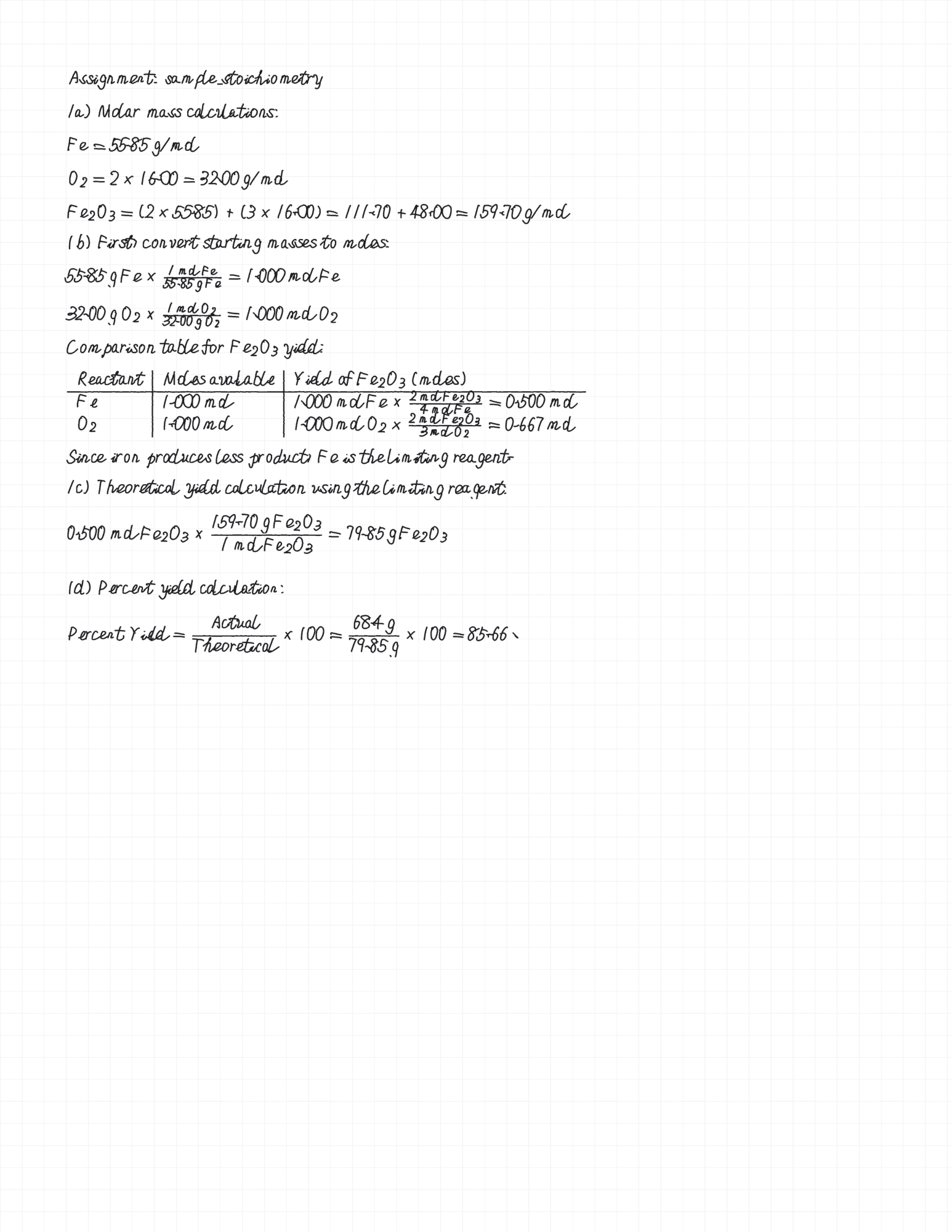
Quizard and Scrawl AI both let you scan homework problems with your camera and get solutions. The difference is what you get back. Quizard gives text answers and flashcards. Scrawl AI gives you a handwritten PDF with diagrams, proper math notation, and natural character variation. If you need output that looks like you wrote it, Scrawl is the better choice.
Quick Comparison
| Feature | Quizard | Scrawl AI |
|---|---|---|
| Solves homework | Yes | Yes |
| Handwritten output | No | Yes |
| Hand-drawn diagrams | No | Yes (circuits, graphs, free body diagrams) |
| Custom handwriting | No | Yes |
| Math notation | Text | Handwritten |
| Character variation | N/A | Unique per page |
| Output format | Text in app | Downloadable PDF |
| Study tools | Flashcards | Focused on solved output |
| Subjects | Multiple | All STEM + humanities |
Quizard pricing shown above reflects publicly listed rates as of April 22, 2026 and is subject to change. Refer to Quizard's official site for current pricing.
What Quizard Does Well
Quizard is a straightforward photo-to-answer app. Snap a picture of a problem, and you get a quick solution. It also generates flashcards for study review, which is a useful feature if you're preparing for exams. The scanning is fast, and the app handles basic math and science questions reliably.
Where Scrawl Goes Further
Quizard stops at the text answer. Scrawl AI takes the solution and renders it as a handwritten PDF. For STEM subjects, this means proper handwritten notation for integrals, matrices, chemical equations, and Greek symbols. It also means hand-drawn diagrams: circuit schematics, function plots, free body diagrams, and coordinate systems.
Scrawl's custom handwriting feature lets you train the app with your own writing style, so the output matches your handwriting. The character variation engine applies rotation, drift, and jitter to every character, making the output look naturally written rather than computer-generated.
Try Scrawl AI
Scrawl AI gives you 2 free solves per week with no account required. Upload a homework photo at scrawlai.app or download for iOS and see the difference for yourself.