
Scrawl AI vs Google Gemini for Homework Help
April 12, 2026
Google Gemini is a powerful, free AI that handles homework across every subject. It reads images, integrates with Google tools, and gives thorough explanations. The catch: the output is always text. If your professor requires handwritten submissions, you're still copying everything by hand. Scrawl AI solves the problem and delivers a handwritten PDF, ready to submit.
Quick Comparison
| Feature | Google Gemini | Scrawl AI |
|---|---|---|
| Solves homework | Yes | Yes |
| Handwritten output | No | Yes |
| Hand-drawn diagrams | No | Yes (circuits, graphs, free body diagrams) |
| Custom handwriting | No | Yes |
| Math notation | Text/LaTeX | Handwritten |
| Character variation | N/A | Unique per page |
| Output format | Text in chat | Downloadable PDF |
| Subjects | All | All STEM + humanities |
| Image input | Yes | Yes |
Google Gemini pricing shown above reflects publicly listed rates as of April 22, 2026 and is subject to change. Refer to Google Gemini's official site for current pricing.
What Gemini Does Well
Gemini is free, multimodal, and deeply integrated with Google's ecosystem. You can upload images of problems and get detailed explanations. It handles research-heavy tasks well, draws on Google's knowledge graph, and gives thorough breakdowns of complex topics. For studying, concept review, and understanding material, Gemini is a genuinely useful tool.
Where Scrawl Goes Further
Gemini tends to give verbose answers. That's great for learning, but problematic for homework submissions. A two-paragraph explanation of why an integral equals a certain value is hard to condense into the three lines of work your professor expects on paper. You end up reading the explanation, extracting the key steps, then writing them out by hand.
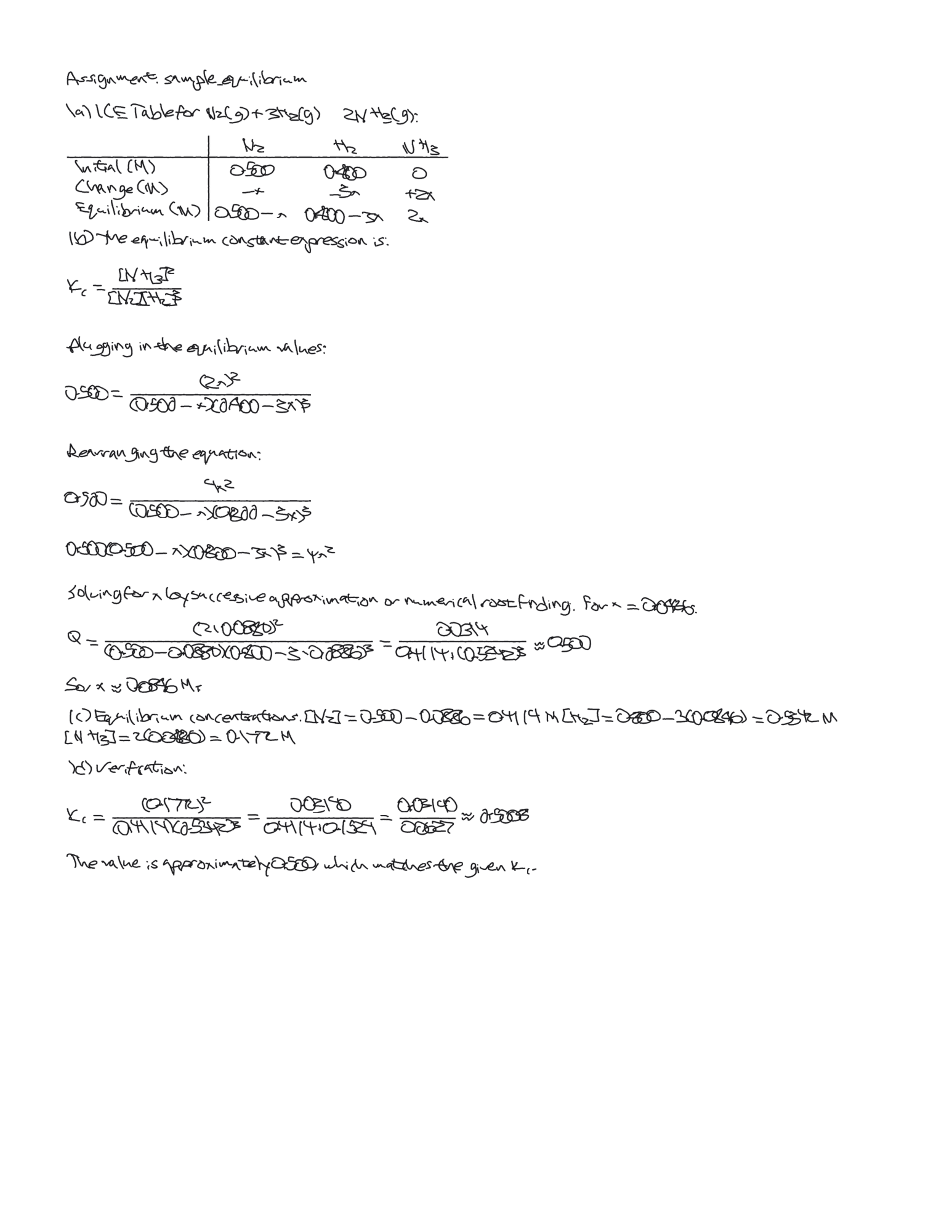
Scrawl AI formats the solution the way a student would write it: concise steps, proper notation, labeled diagrams. The output is a handwritten PDF with natural character variation, so it looks like you wrote it. No extraction, no reformatting, no manual copying. Upload the assignment, download the PDF.
Try Scrawl AI
Scrawl AI gives you 2 free solves per week with no account required. Upload a homework photo at scrawlai.app or download for iOS and see the difference for yourself.